 CollageFlow
Collage maker for iPhone
Turn your photos into collages worth sharing.
Photos and videos, beautiful templates, and an AI that designs with you. Every sticker, font, and frame stays yours to change.
Everything a collage needs. Nothing it doesn’t.
Start with AI, pick a template, or build from a blank canvas. The tools stay simple so the photos stay the star.
Describe it. Watch it come together.
Pick your photos and say what you imagine. AI chooses the layout, fonts, and decorations. Then you can change anything by hand.

Photos and videos, together
Clips play in any slot. Add music and export one video.
Made for where you post
Feed, story, reel, and print sizes in one tap.
Fonts that match
Type pairings chosen to look good together, every time.
Frames and stickers
Shaped frames and seasonal sticker packs, with new drops often.
Motion and polish
Animate titles, cut out people, and finish with filters.
How it works
Three ways to start. One minute to finish.
Let AI design it
Type or say your idea. Get a full design built from your own photos.
Choose a template
Pick a ready-made look and tap any photo to swap in yours.
Build it by hand
Start from a blank canvas and control every last detail.
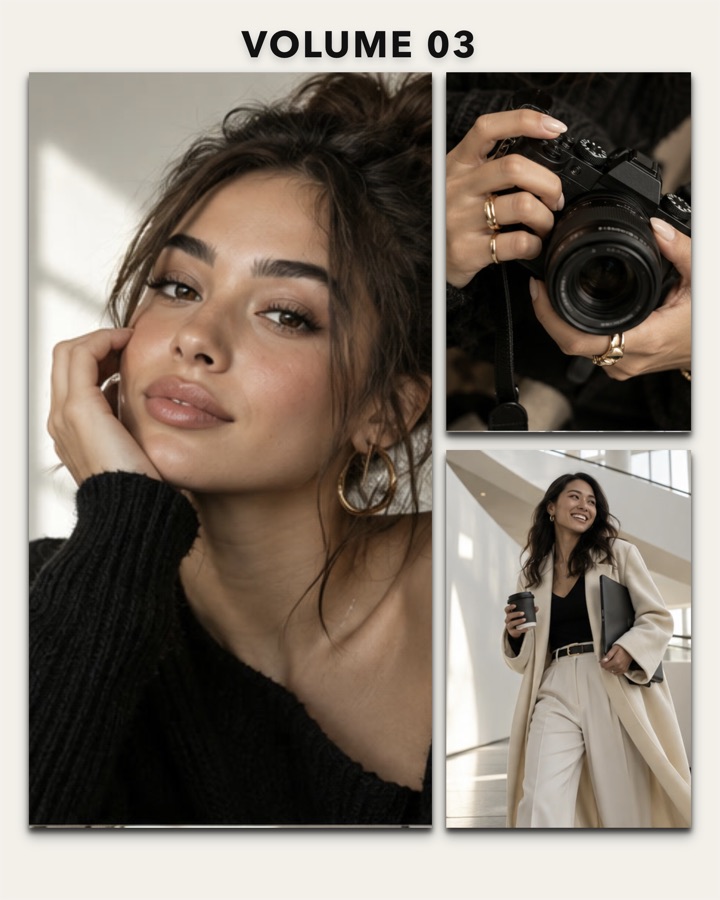
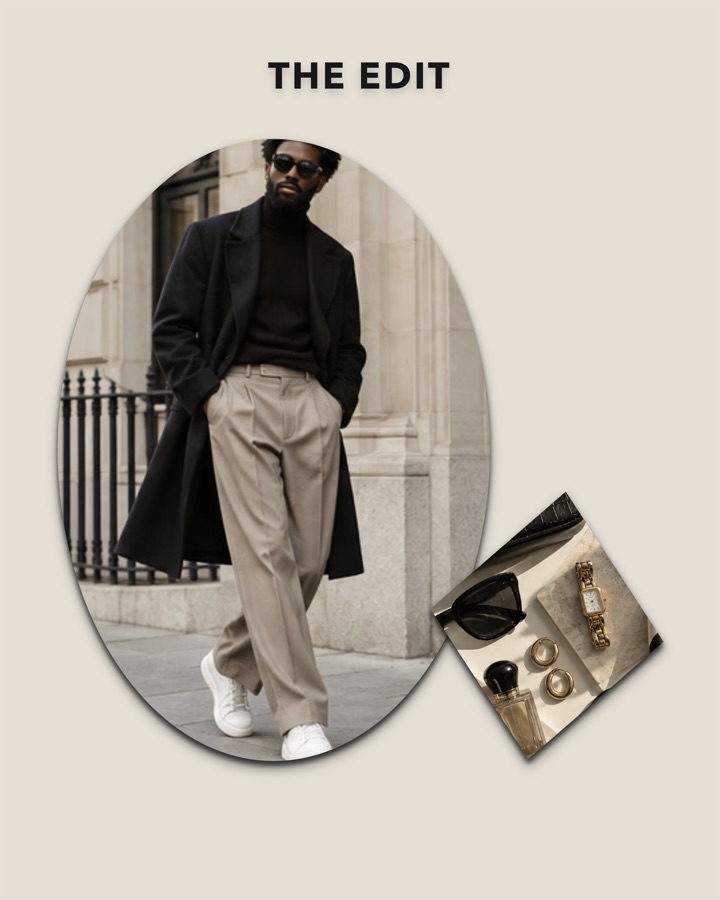
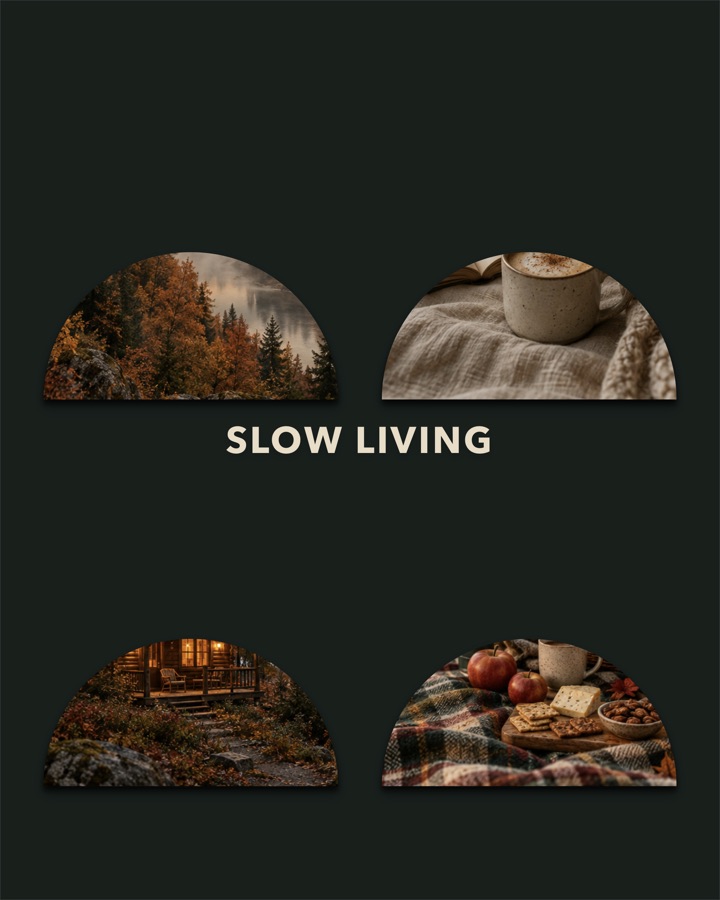
Made in CollageFlow.
Every one of these was designed in the app, on an iPhone.


Make a collage for
Whatever you’re celebrating.
Ideas and guides.
All articles →The 7 Best Collage Apps for iPhone in 2026
We compared the most popular collage apps for iPhone. Here is what each one is best at, who it is for, and which one to pick.
How to Make a Photo Collage on iPhone (3 Easy Ways)
The iPhone Photos app cannot make collages. Here are three easy ways to do it anyway, with step-by-step instructions.
How to Make a Video Collage on iPhone (With Music)
Put several videos on one screen, add music, and share it as a reel or story. A simple step-by-step guide for iPhone.
Questions, answered.
Anything else? Download the app and try it. It is free.
What is the best collage app for iPhone?
It depends on what you make. CollageFlow is built for photo and video collages, with templates, an AI collage creator, and story sizes. Our full comparison covers seven popular apps.
Is CollageFlow free?
Yes, CollageFlow is free to download and includes free exports every day. Premium plans add unlimited exports, premium templates, and sticker packs. Weekly and monthly plans also include the AI Collage Creator.
Can I make a video collage on iPhone?
Yes. CollageFlow lets you put videos and photos in the same collage, add music, and export it as one video.
What sizes can I make collages in?
Square (1:1), portrait (4:5 and 3:4), story (9:16), wide (16:9), landscape (4:3), and photo print sizes (2:3 and 3:2).
Your photos deserve more than the camera roll.
Free on iPhone. Your first collage takes about a minute.
Download on theApp Store